







Efficient GPU Usage at Minimal Cost
Good performance but high cost, Low cost but insufficient performance.We have overcome the limitations of GPU sharing services.
Up to 70% more economical GPU to use.Use only what you need without worrying about costs, enjoy it.
Hourly GPU Usage Cost
- H100 X 1
- H100 X 8
- A100
- V100 X 2
- gcube
- Our Company
- Other Companies
- Other Companies
- Based on 1 month
- ??0,000 KRW from available.
gcube does not charge for unused time when using GPU. Costs are charged based on actual resource usage ratio through real-time monitoring.

Economical and Diverse GPUs
Choose from a variety of GPUswith the purpose and specs you want at gcube.
Choose from a variety of GPUswith the purpose and specsyou want at gcube.
- TIER 1For government-supported projects Large-scale data processing
- Large capacity
- High performance
- 24/7 stable
GPUs provided by Cloud service providers
- TIER 2For universities and research institutes Research purposes
- Stable network
- High performance
- Customized
Dedicated server GPUs provided through direct contracts
- TIER 2For startups AI model development
- Stable network
- High performance
- Customized
Dedicated server GPUs provided through direct contracts
- TIER 3For individual developers Resources for mining
- Affordable
- Diverse
- Flexible
Personal / PC bang GPUs at economical prices
- GPU Model
- 0 types +
- Hourly Price
- 0 KRW~
- Monthly Usage Cost
- 0 KRW~
- RTX 5000 Series
- RTX 4000 Series
- RTX 3000 Series
- RTX 2000 Series
- RTX A Series
- RTX ADA Series
- etc
Based on real-time GPU usage analysis data,
we establish a reasonable cost structure
and transparently disclose analysis data.
2025/06/08 15:30:27 routes.go : 1259 : INFO server config env=”map[CUDA_VISIBLE_DEVICES:
GPU_DEVICE_ORDINAL: HIP_VISIBLE_DEVICES: HSA_OVERRIDE_GFX_VERSION:HTTPS_PROXYL
HTTP_PROXY: NO_PROXY: OLLAMA_DEBUG:false OLLAMA_FLASH_ATTENTION:false
OLLAMA_GPU_OVERHEAD:0 OlLAMA_HOST:http://0.0.0.0:11434 OLLAMA_INTEL_GPU:false
OLLAMA_KEEP_ALIVE:5m0s OLLAMA_KV_CACHE_TYPE: OLLAMA_LLM_LIBRARY:
OLLAMA_LOAD_TIMEOUT:5m0s OLLAMA_MAX_LOADED_MODELS:0 OLLAMA_MAX_QUEUE:512
OLLAMA_MODELS:/root/.ollama/models OLLAMA_MULTIUSER_CACHE:false OLLAMA_NOHISTORY:false
OLLAMA_NOPRUNE:false OLLAMA_NUM_PARALLEL:0 OLLAMA_ORIGINS:[http://localhost
http://localhost http://localhost:* https://localhost:* http:127.0.0.1 https://127.0.0.1
http://127.0.0.1:* https://127.0.0.1:* http://0.0.0.0 https://0.0.0.0 http://0.0.0.0:*
http://0.0.0.0* app://* file://* tauri://* vscode-webview://*] OLLAMA_SCHED_SPREAD:false
ROCR_VISIBLE_DEVICES: http_proxy:https_proxy: no_proxy:]”
time=2025-06-18T15:30:27.553Z level=INFO source=images.go:757 msg=”total blobs: 5”
time=2025-06-18T15:30:27.553Z level=INFO source=images.go:757 msg=”total unused blobs removed: 0”
[GIN-debug] [WARNING] Creating an Engine instance with the Logger and Recovery middleware alreay attached.
[GIN-debug] [WARNING] Running in “debug” mode. Switch to “release” mode in production.
- using env: export GIN_MODE=release
2025/06/08 15:30:27 routes.go : 1259 : INFO server config env=”map[CUDA_VISIBLE_DEVICES:
GPU_DEVICE_ORDINAL: HIP_VISIBLE_DEVICES: HSA_OVERRIDE_GFX_VERSION:HTTPS_PROXYL
HTTP_PROXY: NO_PROXY: OLLAMA_DEBUG:false OLLAMA_FLASH_ATTENTION:false
OLLAMA_GPU_OVERHEAD:0 OlLAMA_HOST:http://0.0.0.0:11434 OLLAMA_INTEL_GPU:false
OLLAMA_KEEP_ALIVE:5m0s OLLAMA_KV_CACHE_TYPE: OLLAMA_LLM_LIBRARY:
OLLAMA_LOAD_TIMEOUT:5m0s OLLAMA_MAX_LOADED_MODELS:0 OLLAMA_MAX_QUEUE:512
OLLAMA_MODELS:/root/.ollama/models OLLAMA_MULTIUSER_CACHE:false OLLAMA_NOHISTORY:false
OLLAMA_NOPRUNE:false OLLAMA_NUM_PARALLEL:0 OLLAMA_ORIGINS:[http://localhost
http://localhost http://localhost:* https://localhost:* http:127.0.0.1 https://127.0.0.1
http://127.0.0.1:* https://127.0.0.1:* http://0.0.0.0 https://0.0.0.0 http://0.0.0.0:*
http://0.0.0.0* app://* file://* tauri://* vscode-webview://*] OLLAMA_SCHED_SPREAD:false
ROCR_VISIBLE_DEVICES: http_proxy:https_proxy: no_proxy:]”
time=2025-06-18T15:30:27.553Z level=INFO source=images.go:757 msg=”total blobs: 5”
time=2025-06-18T15:30:27.553Z level=INFO source=images.go:757 msg=”total unused blobs removed: 0”
[GIN-debug] [WARNING] Creating an Engine instance with the Logger and Recovery middleware alreay attached.
[GIN-debug] [WARNING] Running in “debug” mode. Switch to “release” mode in production.
- using env: export GIN_MODE=release
- Container Log
Real-time workload operation log inquiry is available after workload deployment.
 WARNINGStartup probe failed: Get "http://10.249.7.253:15021/healthz/ready": dial tcp 10.249.7.253:15021: connection refused
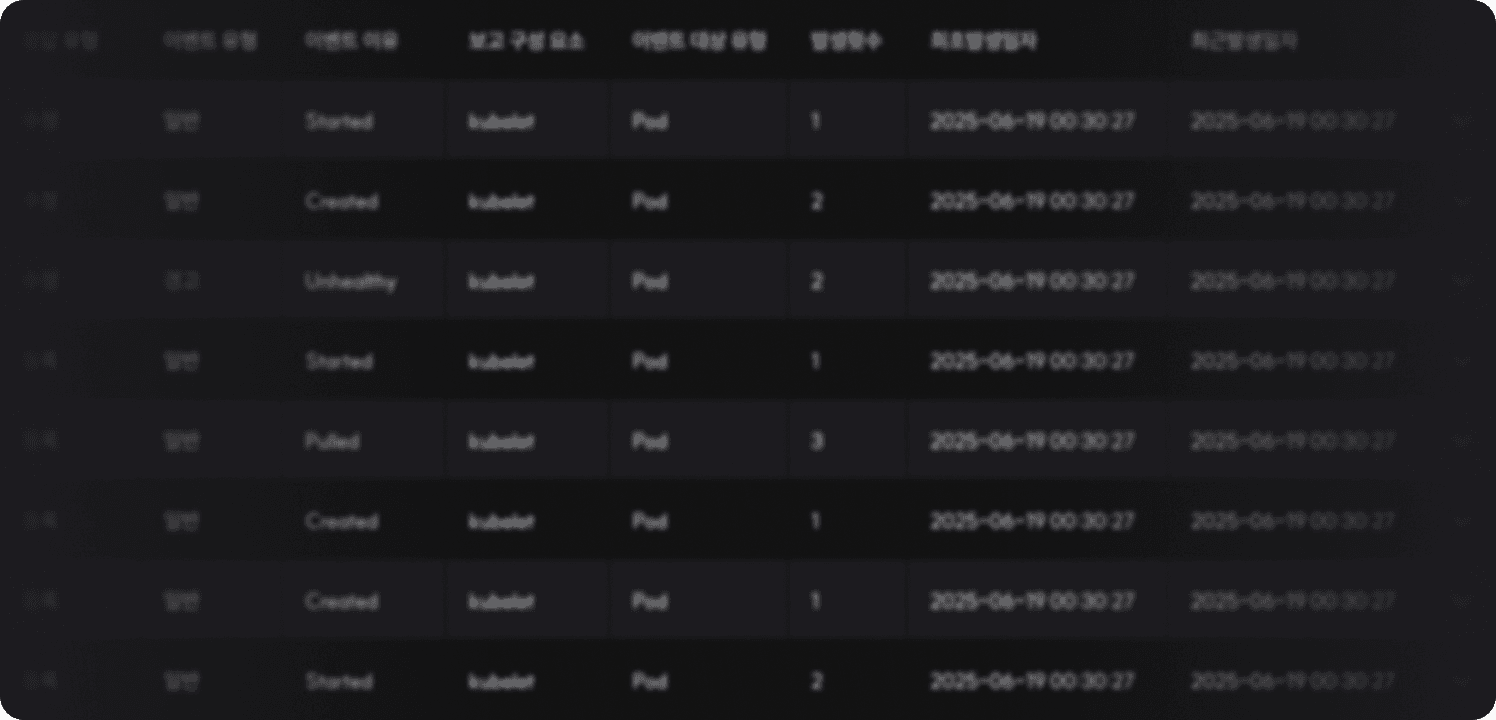
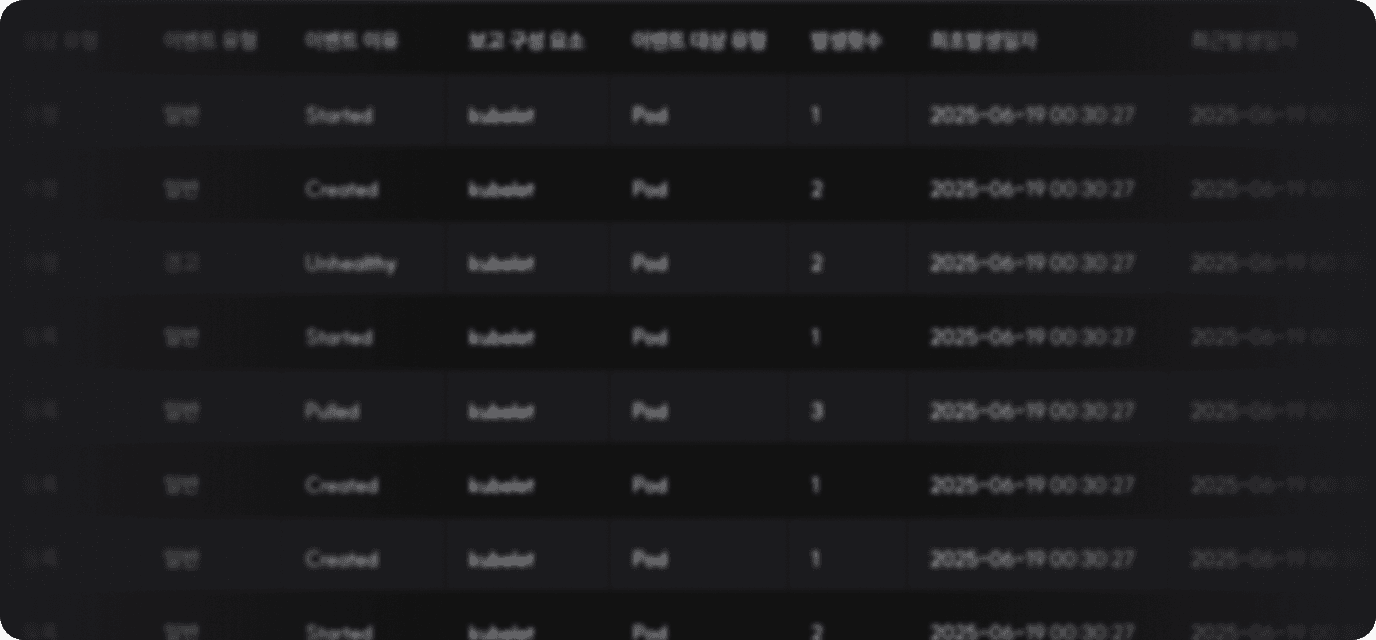
- Deployment Event Status
Status change history is shared in real-time during workload operation.Also provided through console notifications, allowing you to immediately check disconnections or status changes and take necessary actions.
- Monitoring
We disclose hourly resource usage of connected GPUs during workload execution.
We provide a reliable service by sharing GPU cost calculation data with users.
Do you need a GPU?
If you need a GPU with detailed specifications,Inquire about GPU Reservation
we will recommend a customized GPU for you.Do you have a GPU to share?
If you need bulk supply consultation orInquire about GPU Supply
technical support for GPU sharing, contact us now.
FAQ
gcube Partners